
Designing Patio Entertainment Around a Weatherproof Router
- by Brennan Haelig
-
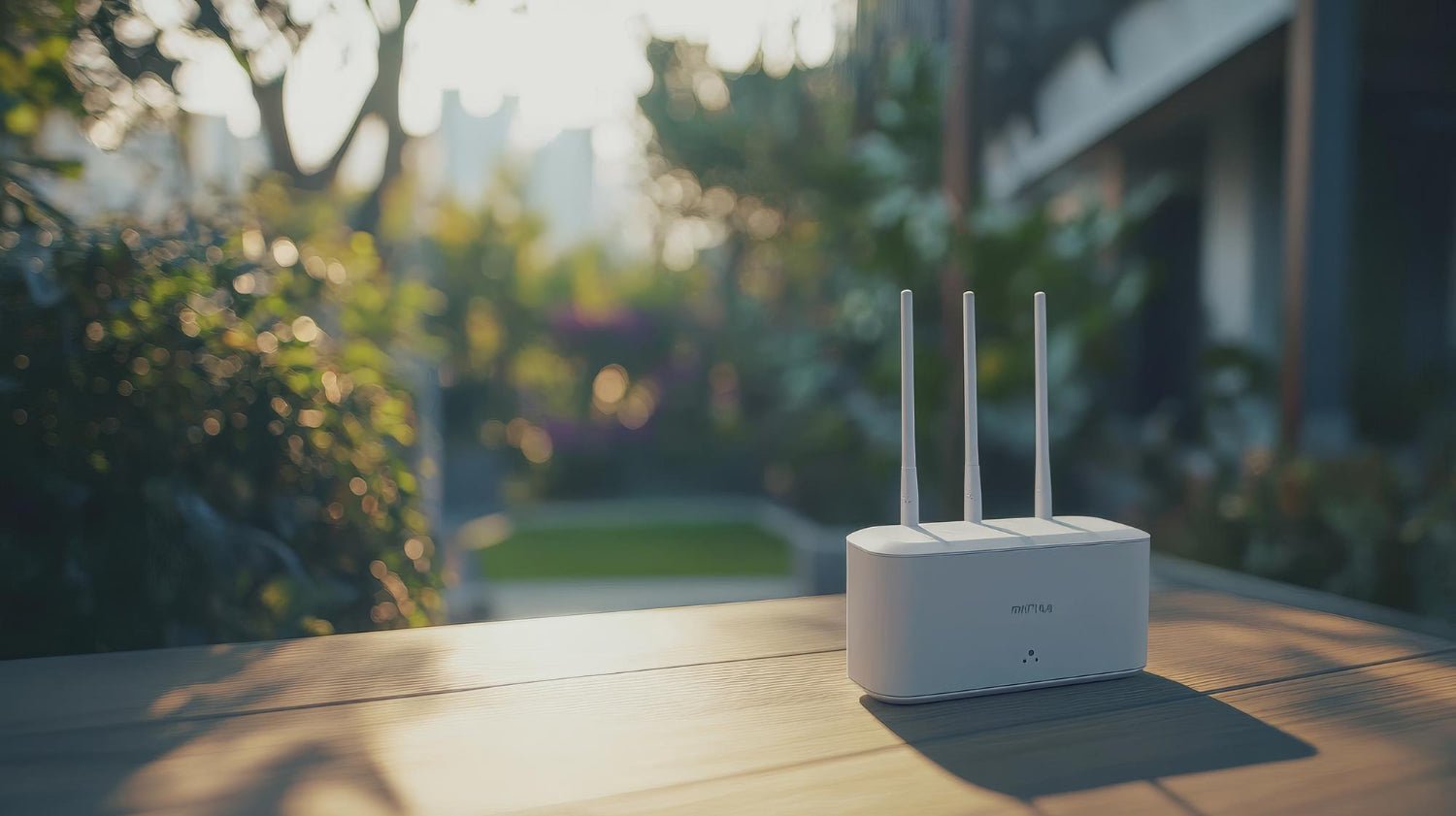
Outdoor patio fun falls apart fast when the Wi-Fi quits. If you want smooth streaming, strong music, smart lighting, and happy guests from sunny afternoons through cool nights, it all starts with a good outdoor network built around a weatherproof router.
In this article, we will walk through how to plan your patio around that hidden hero. We will look at where to place your router, how to connect Titan outdoor TVs, sound, and lighting, and what is different for homes and commercial spaces. We will also talk about weatherproofing, safety, and simple checkups so your setup stays ready for late-summer cookouts and big game nights.
Build a Summer-Ready Patio Entertainment Hub
Late summer is prime patio season. Labor Day cookouts, back-to-school hangouts, and the first football games all tend to move outside, starting in warm afternoon sun and rolling into cool, late-night skies.
The trouble is, many patios have:
- Weak or no Wi-Fi
- Streams that lag or freeze
-
Indoor gear that fails after the first big storm
That is where a weatherproof router steps in as the quiet MVP. It sits outside, handles the heat and rain, and feeds everything on the patio: Titan outdoor TVs, wireless speakers, smart lighting, and all the phones and tablets your guests bring.
We will build from that point. Once the network is solid, layout and gear choices are much easier, for both backyards and commercial patios.
Why Patio Entertainment Starts with Reliable Wi-Fi
Modern outdoor fun runs on a steady signal. When Wi-Fi is strong, we can:
- Stream sports and movies in 4K on Titan outdoor TVs
- Play music from any app without skips
- Use smart grills, cameras, and lighting scenes
- Let kids game or chat without complaints
Indoor-only routers are built to stay inside. They sit low in a hallway or office and push signal through walls and windows. By the time that signal hits the patio or pool area, it is often weak or spotty. You get buffering, lag, and random dropouts.
A weatherproof router is meant to live closer to where you actually use your outdoor gear. It can be placed where signal paths are shorter and cleaner, without having to blast through brick or stone.
When we plan “from the router outward,” we think first about:
- How many outdoor TVs need smooth 4K streaming
- How many people will be on Wi-Fi at once
-
What smart devices will share the network
That way, the network is ready before we hang the first TV or add more speakers.
Choosing and Positioning a Weatherproof Router Outdoors
Not every router can handle life outside. A weatherproof router is built for open air, with features like:
- An IP rating that shows resistance to dust and water
- UV-resistant housing that can sit in full sun
- Wide temperature range for hot afternoons and cool nights
- Sealed ports and gaskets to help keep out rain and humidity
Placement is just as important as the hardware. We want clear signal paths to your Titan outdoor TVs and main seating areas. Thick stone walls, outdoor fireplaces, and tall plants can all weaken the signal, so we plan around them.
Good placement tips include:
- Mount the router at about head height or higher for better coverage
- Use a shaded or ventilated spot to avoid extra heat buildup
- Keep it away from grills, heaters, and open flames
- Route power and data cables along edges or walls to avoid trip hazards
If you have more than one zone, like a main patio, a pool deck, and a rooftop or extended restaurant patio, one router might not cover it all. In that case, outdoor access points or mesh nodes can spread the signal so each zone feels like part of the same network.
Integrating Outdoor TVs, Audio, and Smart Lighting
Once the weatherproof router is in a smart spot, it becomes the backbone for the whole patio. Every Titan outdoor TV, speaker, and smart light can tie into that network to feel like one connected system.
For layout, we think about:
- Full sun zones: place TVs and seats so the screen is shaded and glare is low
- Partial sun: angle screens to avoid direct reflection during midday
- Covered patios: use the roof or beams for safer mounting and better viewing angles
Sound matters too. Spread speakers around the space so you can keep the volume comfortable instead of blasting one corner. The stronger the Wi-Fi, the easier it is to keep audio in sync across different speakers and areas.
For wiring and gear:
- Use streaming devices or media players close to each Titan TV
- Run Ethernet to key spots if wireless is tough, like through thick stone
- Keep any switches or extra gear in weather-rated boxes
As evenings get cooler, you may add LED string lights, landscape lights, or smart heaters and fire features. All of these can tie into scenes, such as:
- Movie night: screens on, main lights dim, path lights low
-
Game day: TVs bright, accent lights on team colors, music at a steady level
A solid outdoor network lets these scenes change smoothly without lag.
Residential Versus Commercial Patio Network Needs
Home patios and commercial patios share the same basic idea, but their needs are a bit different.
Most homes want to:
- Stream on one or two Titan outdoor TVs
- Keep kids gaming or streaming inside while the adults watch outside
- Give guests a simple Wi-Fi option during parties
-
Support light work-from-patio days with video calls
Nice features for home setups include parental controls, simple app-based controls, and a separate guest network so you are not sharing your main network password with everyone.
Bars, restaurants, hotels, and event spaces usually push their networks harder. They may need:
- Several outdoor screens running different games or shows
- Dozens of guests online at the same time
- Guest Wi-Fi that is separate from business systems
-
Stronger security and more control over what gets streamed
Here, tools like VLANs, content filtering, and bandwidth management help keep each TV and user in line. Many commercial patios also benefit from professional design and installation, plus backup plans like battery units for routers so screens stay on during brief power issues.
Weatherproofing, Safety, and Seasonal Maintenance
A weatherproof router is a great start, but the rest of the network needs care too. For long life and safety, we focus on:
- Rated enclosures for any outdoor switches or extra gear
- Drip loops and gaskets around cables so water runs away from ports
-
Proper strain relief and outdoor-rated power cords
Safety and code details matter, especially around storms and heavy heat. Good practices include:
- GFCI outlets near wet areas
- Surge protection for Titan outdoor TVs and network gear
- Strong mounting hardware that can handle wind and vibration
Seasonal maintenance does not have to be hard. A simple checklist helps:
- Inspect router housings, seals, and cable entries
- Clear dust, leaves, and spider webs from vents
- Check that connectors are snug after heavy rain or strong sun
-
Update firmware before busy football and holiday seasons
We like to think of it as a late-summer “network tune-up.” Walk the yard with a streaming app on a phone, test each outdoor TV, and note any weak spots. It is much easier to plan upgrades before everyone shows up for the next big game.
Turn Your Patio Into a Seamless Streaming Destination
When a weatherproof router sits at the heart of your patio design, the technology starts to disappear. Titan outdoor TVs, speakers, and smart lights just work, from bright afternoons to cool, late-night gatherings.
At Titan Outdoor Televisions, we see outdoor spaces in our area turn into open-air theaters, backyard sports bars, and relaxed hangout spots when the network is planned first. Once the Wi-Fi is reliable, every gathering feels smoother, and your patio becomes the place everyone wants to stay just a little longer.
Protect Your Outdoor Entertainment With Reliable Connectivity
Enjoy your outdoor TV setup without interruptions by pairing it with a rugged, purpose-built weatherproof router designed to handle the elements. At Titan Outdoor Televisions, we build solutions that keep your streaming strong and secure in any season. Explore our networking accessories today, and if you have questions about the right configuration for your space, contact us for personalized guidance.


Please upload banner from store admin blog pages
